The Streaming Device Wars: Which One Actually Deserves Your TV
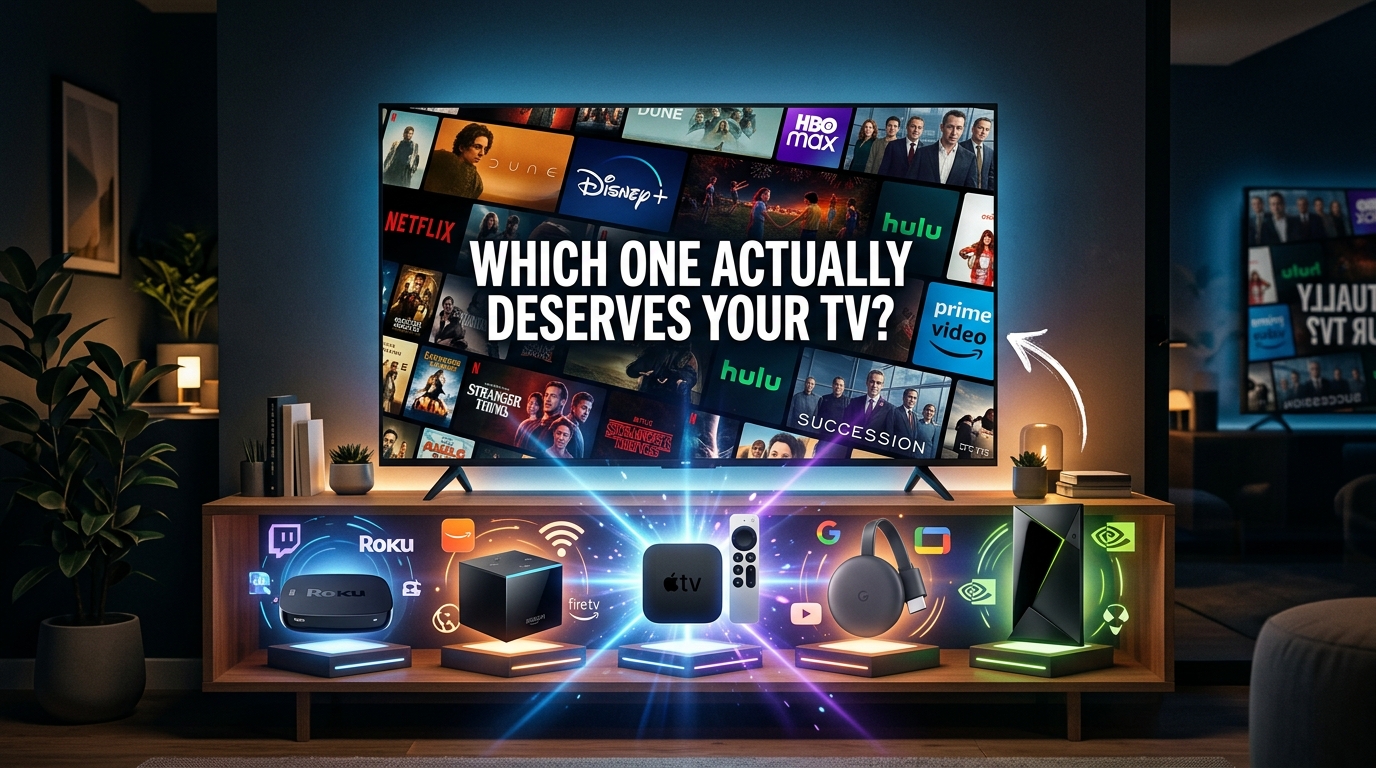
You’ve got a TV. You’ve got subscriptions. But the built-in smart features are slower than a dial-up modem from 2003. You need a streaming device, but the options feel endless and confusing.
Here’s the thing: not all streaming devices are created equal. Some excel at 4K performance. Others lock you into ecosystems. A few cost as much as a new phone. And one might already be hiding in your junk drawer.
Let’s cut through the marketing speak and figure out which one actually makes sense for your setup.
The best streaming device depends on your ecosystem and budget. Roku offers the most app variety and simplicity. Fire TV wins on value. Apple TV dominates if you’re already invested in Apple products. Chromecast with Google TV balances price and performance. Each has distinct strengths, but none is universally perfect for everyone’s needs.
What actually matters in a streaming device
Performance matters more than you think. A laggy interface turns every movie night into a frustration fest.
Processing power determines how fast apps load and how smoothly you can switch between them. Cheaper devices often skimp here, and you’ll feel it every time you open Netflix.
Remote quality sounds trivial until you’re fumbling with a terrible one every single night. Voice search, volume controls, and programmable buttons make a real difference.
App availability can be a dealbreaker. Most major services work on all platforms, but niche apps or new services sometimes skip certain devices for months.
4K and HDR support only matter if your TV can handle them. But if you’ve got a newer TV, you’ll want a device that can keep up. Otherwise, you’re leaving picture quality on the table.
Price ranges from $30 to $180. The cheapest option isn’t always the best value, and the most expensive isn’t always necessary.
Breaking down the main contenders
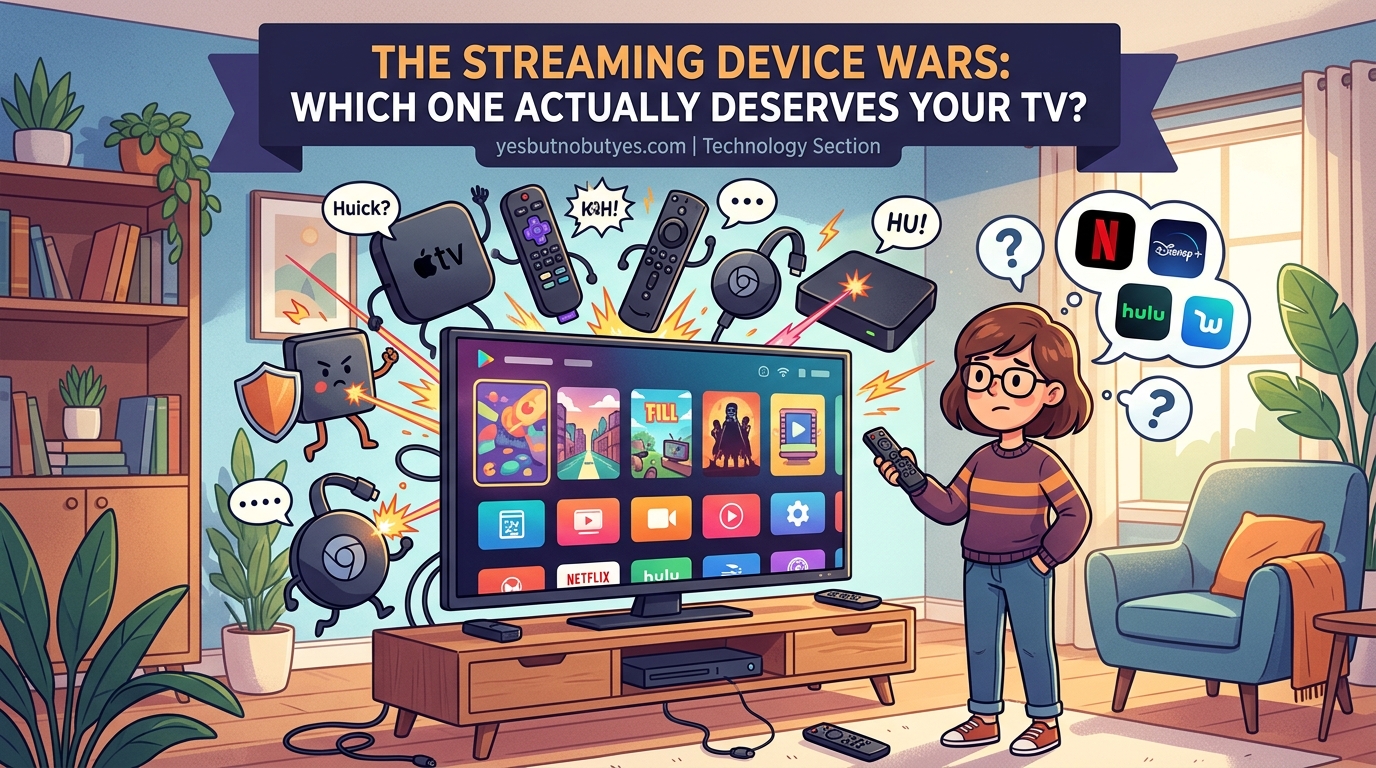
Roku devices
Roku built its reputation on simplicity. The interface looks basic, but that’s kind of the point.
Everything sits on a home screen with customizable tiles. No algorithmic recommendations pushing you toward specific services. Just your apps, in the order you want them.
The search function checks across multiple platforms at once. Type in a movie, and Roku shows you where it’s available and how much it costs on each service. This alone saves hours of hunting.
Roku offers more app choices than any competitor. Obscure streaming services, international channels, and weird niche content all show up here first. If you watch anything beyond the big five streaming services, this matters.
The remote is dead simple. Directional pad, back button, home button, and a few shortcut buttons for popular apps. Some models include voice search. The higher-end versions add rechargeable remotes with headphone jacks for private listening.
Roku devices range from the $30 Express to the $100 Ultra. The mid-range Streaming Stick 4K hits the sweet spot for most people at around $50.
The downsides? No ecosystem integration if you use Apple or Google smart home products. And the interface, while functional, looks dated compared to flashier competitors.
Amazon Fire TV
Fire TV devices cost less than almost anything else on the market. The Fire TV Stick starts at $40, and sales drop it to $25 regularly.
The interface heavily promotes Amazon content. Prime Video thumbnails dominate the home screen. If you’re not a Prime member, this gets annoying fast. But if you are, it’s actually convenient.
Alexa integration works surprisingly well. Voice commands can control playback, search for content, and even manage smart home devices. How to survive family dinner when everyone has a different streaming service becomes easier when you can just yell at your TV to pause.
App selection covers all the major players, though some apps arrive later than on Roku. HBO Max took forever to show up, for example.
Performance varies wildly between models. The basic Fire TV Stick struggles with 4K content. The Fire TV Stick 4K Max handles everything smoothly. The Fire TV Cube adds hands-free voice control and costs $140.
The remote includes volume controls and a mute button, which should be standard everywhere but isn’t. Newer versions add preset buttons for popular streaming services.
The catch: Amazon really, really wants you in their ecosystem. Expect constant nudges toward Prime Video, Amazon Music, and other Amazon services.
Apple TV 4K
Apple TV costs more than some people’s entire TV. The 64GB model runs $130. The 128GB version hits $150.
But the performance is undeniably smooth. Apps load instantly. The interface never stutters. Everything feels polished in that distinctly Apple way.
The real value shows up if you already own other Apple products. AirPlay makes sharing content from your iPhone seamless. HomePod integration creates a surprisingly good sound system. iCloud Photo Library turns your TV into a giant digital frame.
The Siri Remote divided users for years. Apple finally redesigned it in 2021, adding actual buttons instead of the touch-sensitive nightmare from before. The new version feels substantially better.
tvOS offers features other platforms skip. SharePlay lets you watch shows simultaneously with friends in other locations. Fitness+ workouts look incredible on a big screen. Apple Arcade games actually work well with a controller.
App selection matches Roku for major services, though some smaller apps skip the platform entirely. Developers have to optimize specifically for tvOS, which creates extra work.
The interface prioritizes Apple services but doesn’t shove them down your throat like Fire TV does with Amazon content. You can customize the home screen to highlight your preferred apps.
Storage matters if you download games or use the device for fitness content. Otherwise, 64GB is plenty.
Is it worth the premium? Only if you’re already invested in Apple’s ecosystem or you really value that level of performance. For most people, it’s overkill.
Chromecast with Google TV
Google’s Chromecast confused everyone for years. The original versions required casting from your phone. No remote. No interface. Just a receiver.
Chromecast with Google TV changed everything by adding an actual operating system and remote. Now it works like a normal streaming device.
The interface uses Google’s recommendation algorithm to suggest content across all your services. It actually works pretty well, unlike most algorithmic recommendations that feel like they’re suggesting random garbage.
The remote is tiny but functional. Voice search through Google Assistant handles complex queries better than most competitors. “Show me action movies from the 90s on Netflix” actually works.
4K support comes standard, even on the $50 base model. The picture quality rivals devices costing twice as much.
Google Assistant integration means you can control smart home devices, check your calendar, and ask random questions without leaving your couch. Useful if you’re already in the Google ecosystem.
App selection covers everything major, though it’s not quite as comprehensive as Roku. Most people won’t notice the difference.
The biggest weakness is storage. The base model only includes 8GB, and the system takes up half of that. Download too many apps and you’ll run out of space fast. The 4K model bumps to 32GB for $100.
Performance occasionally stutters on the cheaper model. The interface isn’t quite as snappy as Apple TV, but it’s way better than budget Fire TV devices.
How to choose the right one for your setup
Start by looking at what you already own. If your phone, laptop, and tablet are all Apple products, Apple TV makes the most sense. If you’re deep into Google services, Chromecast fits better. Amazon Prime members get more value from Fire TV.
But ecosystem loyalty shouldn’t be the only factor.
- List the streaming services you actually use. Check if any have limitations on specific devices. Most work everywhere now, but verify before buying.
- Decide if you need 4K. If your TV maxes out at 1080p, save money on a cheaper model. If you’ve got a fancy 4K TV, get a device that can keep up.
- Consider your budget honestly. The $30 difference between a basic and mid-range device matters less than you think when you’ll use it for years.
Think about your tolerance for ads and promotion. Fire TV constantly pushes Amazon content. Roku stays neutral. Apple TV leans toward Apple services but less aggressively. Chromecast uses algorithms to surface content from everywhere.
Remote preferences matter more than they should. If you hate voice search, get something with a simple remote. If you love yelling commands at technology, prioritize good voice integration.
Check your TV’s HDMI ports. Some older TVs don’t support HDMI-CEC, which means your streaming device remote can’t control TV volume. Not a dealbreaker, but annoying.
Common mistakes people make
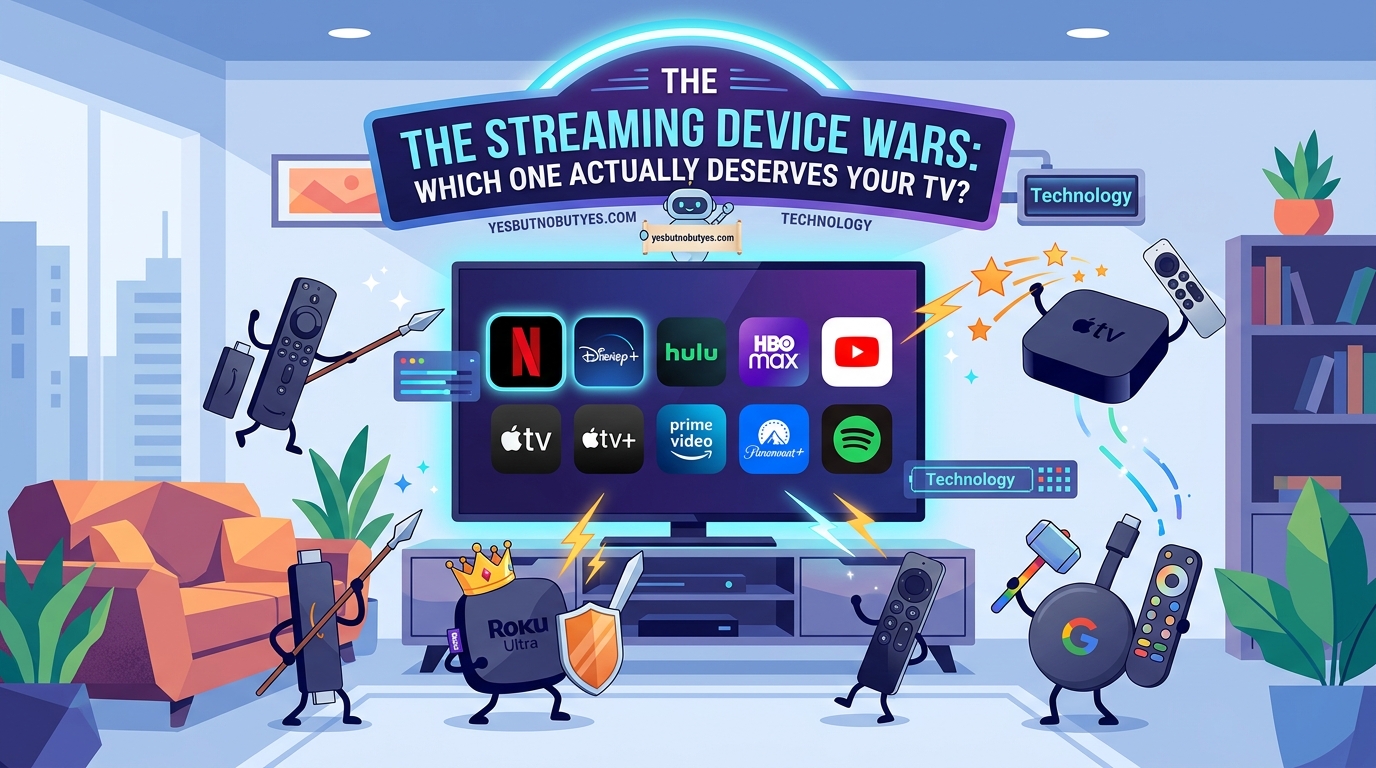
Buying the cheapest option without checking performance specs leads to regret. That $20 off-brand device from Amazon will make you want to throw your remote through the TV.
Ignoring storage capacity seems fine until you can’t install apps anymore. If you plan to use more than five or six streaming services, get more storage.
Assuming all 4K is the same quality. HDR, Dolby Vision, and Dolby Atmos support vary between devices. If you care about picture and sound quality, check the detailed specs.
Forgetting about WiFi requirements causes buffering issues. Older devices only support 2.4GHz WiFi, which gets congested easily. Newer models handle 5GHz for better streaming performance.
Overlooking the return policy means you’re stuck if the device doesn’t work with your setup. Buy from somewhere with easy returns so you can test it risk-free.
| Device | Best For | Biggest Drawback |
|---|---|---|
| Roku | App variety and neutrality | Dated interface design |
| Fire TV | Budget-conscious Prime members | Aggressive Amazon promotion |
| Apple TV | Apple ecosystem users | High price point |
| Chromecast | Google ecosystem and recommendations | Limited storage on base model |
Real-world performance differences
Numbers on spec sheets don’t tell the whole story. How devices perform during actual use matters more.
Loading times vary dramatically. Apple TV opens apps in under two seconds. Budget Fire TV devices can take ten seconds or more. That difference adds up when you’re switching between services multiple times per night.
Interface responsiveness separates good devices from frustrating ones. Roku’s simple interface stays smooth even on cheaper models. Fire TV’s busier home screen can lag on lower-end hardware.
WiFi performance impacts streaming quality more than people realize. Devices with better antennas maintain stable connections even in rooms far from the router. Cheaper options buffer constantly in the same spot.
Voice search accuracy depends on the assistant behind it. Google Assistant understands complex queries better than Alexa or Roku’s voice search. Siri falls somewhere in the middle but integrates better with Apple services.
App switching speed matters if you’re the type to bounce between services looking for something to watch. Higher-end devices cache recently used apps for instant switching. Budget models reload everything from scratch.
Features you didn’t know you needed
Private listening through the remote changes late-night viewing. Roku and Apple TV both offer this. Plug headphones into the remote and the TV audio cuts out. Perfect for watching the most rewatchable movie scenes that never get old without waking anyone up.
Universal search saves absurd amounts of time. Instead of opening six different apps to find where a movie is streaming, search once and see all your options. Roku excels here.
Customizable home screens let you prioritize the apps you actually use. Apple TV and Chromecast both allow this. Fire TV forces certain content placements.
Ethernet ports appear on higher-end models and solve WiFi problems permanently. If your streaming setup is near your router, a wired connection eliminates buffering.
Lost remote finders seem silly until you’re tearing apart couch cushions for the tenth time. Some Roku models beep when you press a button on the device.
Screen mirroring quality varies between platforms. AirPlay from Apple devices works flawlessly on Apple TV. Chromecast handles Android mirroring smoothly. Fire TV and Roku support both but with occasional quirks.
“The best streaming device is the one you stop thinking about. If you’re constantly fighting with the interface or waiting for apps to load, you bought the wrong thing. It should just work.”
The budget breakdown
Entry-level devices ($30-$50) work fine for basic streaming. Roku Express, Fire TV Stick, and older Chromecast models fit here. Expect 1080p, decent app selection, and acceptable performance. Skip these if you have a 4K TV or low patience for loading times.
Mid-range options ($50-$80) offer the best value for most people. Roku Streaming Stick 4K, Fire TV Stick 4K Max, and Chromecast with Google TV deliver solid 4K performance without breaking the bank. This is the sweet spot.
Premium devices ($100-$180) provide the smoothest experience and best features. Apple TV 4K, Roku Ultra, and Fire TV Cube eliminate almost all performance complaints. Worth it if you use your streaming device constantly or want the absolute best picture quality.
Sales happen constantly in this category. Fire TV devices drop to half price during Prime Day. Roku has regular promotions. Apple TV rarely discounts but sometimes bundles with Apple TV+ subscriptions. Wait for a sale if you’re not in a rush.
Refurbished devices save money but come with risks. Stick to manufacturer-refurbished units with warranties. Third-party refurbs can arrive with problems.
Setting up for the best experience
Placement affects WiFi performance more than you’d think. Keep your streaming device away from metal objects and other electronics that cause interference. Don’t hide it behind the TV if possible.
Update the software immediately after setup. Manufacturers ship devices with outdated firmware. The first update often fixes major bugs and adds features.
Connect to 5GHz WiFi if your router supports it. The connection is faster and more stable for streaming. Only use 2.4GHz if your device is far from the router, since 5GHz has shorter range.
Disable autoplay previews if they annoy you. Most devices let you turn off those auto-playing trailers that start when you hover over a title. Check the settings menu.
Organize your apps by usage frequency. Put your most-watched services on the home screen. Bury the ones you barely use. This seems obvious but makes a real difference.
Adjust picture settings through your TV, not the streaming device. The device sends the signal, but your TV controls how it looks. Spend ten minutes calibrating your TV’s picture mode for better results than any device upgrade.
Consider a soundbar if audio quality matters to you. Even the best streaming device can’t fix terrible TV speakers. A basic soundbar makes dialogue clearer and action scenes more impactful.
Why your choice matters less than you think
Here’s something nobody talks about: all these devices work pretty well now. The gap between them has narrowed significantly.
Five years ago, the differences were massive. Cheap devices barely functioned. Expensive ones offered clearly superior experiences. Today, even budget options handle 4K streaming smoothly.
The real question isn’t which device is objectively best. It’s which one fits your specific situation and preferences.
If you’re already paying for Amazon Prime, Fire TV makes sense even if it’s not the absolute best performer. The value proposition changes the equation.
If you hate cluttered interfaces, Roku’s simplicity beats technically superior competitors that bombard you with recommendations.
If you want your streaming device to double as a smart home hub, Chromecast or Fire TV with their voice assistants become more appealing.
Don’t overthink this decision. Pick something in your budget from a major brand, and you’ll probably be happy. The perfect choice matters less than just choosing something and moving on with your life.
The streaming device wars continue, but they’re not as dramatic as tech reviewers pretend. You’re not making a life-altering decision. You’re buying a little box that plays Netflix.
Which streaming device actually wins
There’s no universal winner because everyone’s situation is different.
Roku wins for app variety and interface simplicity. It’s the safe choice that works for almost everyone. Get the Streaming Stick 4K and call it a day.
Fire TV wins on value, especially if you’re already in the Amazon ecosystem. The Stick 4K Max offers impressive performance for the price.
Apple TV wins on performance and ecosystem integration. If money isn’t tight and you own other Apple products, it’s worth the premium.
Chromecast with Google TV wins for Google users who want good recommendations without spending Apple TV money. The 4K model balances price and features well.
Your best streaming device is the one that works with what you already own, fits your budget, and doesn’t make you think about it every time you want to watch something. That’s the actual answer, even if it’s less exciting than declaring a single champion.
Pick one, set it up, and get back to binging shows that deserved way more seasons. The device is just the tool. The content is what matters.